
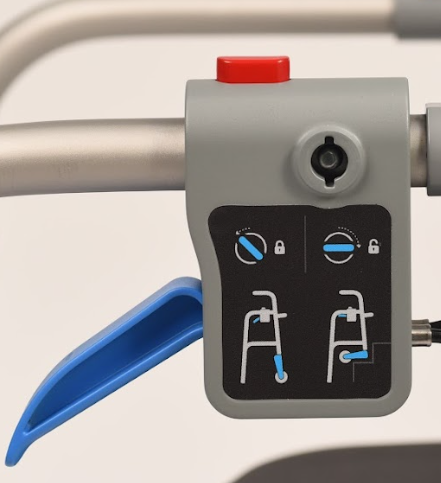
Shown Below is the Stair Mode Safety Lock, which allows locking of the StairAssist in walker mode to avoid any unwanted use of the StairAssist Walker in Stair Mode. This feature can be found of the right side of the device. You can download the user manual here and/or follow the steps below for additional help.
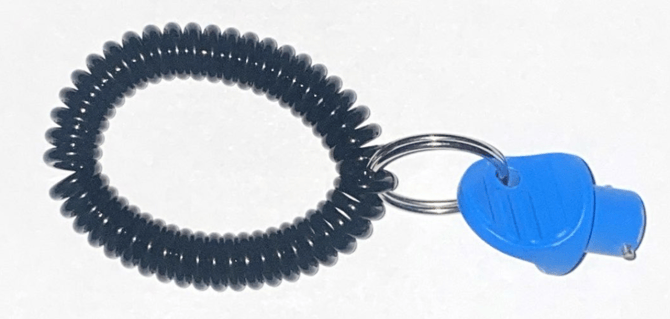
Found in the packaging of the StairAssist Walker will be a key which is specifically designed for use in the StairAssist Walker.
The caregiver is to unlock the Stair Mode Safety Lock and perform the following actions.
The caregiver is to insert the key all the way until it stops and then rotate forwards (clockwise) so the key stops when horizontal like the depiction on the side panel of the Stair Mode Safety Lock.
Now that the Stair Mode Safety lock is UNLOCKED your StairAssist Walker is able to convert to perform stairs.
To convert the StairAssist Walker, support the walker's leg with your foot.
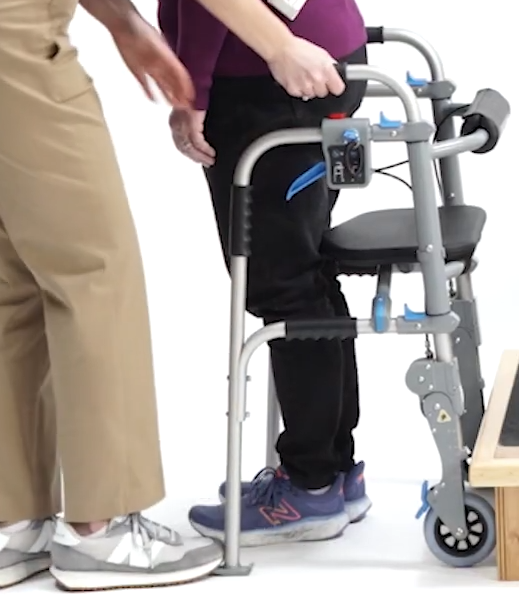
With your right hand grab the right handle of the walker and tilt the walker back towards you.
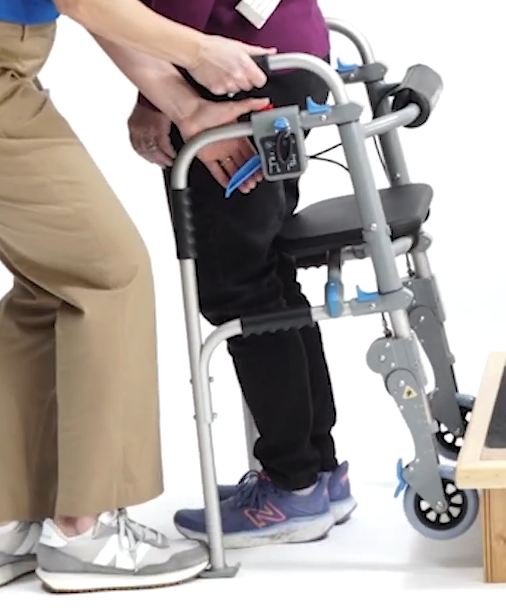
With the left thumb, depress the RED button on the top of the Stair Mode Safety Lock, then with the rest of your hand grab the blue lever and squeeze, while the frame is in your palm.
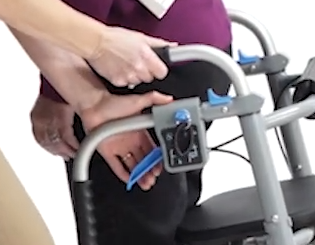
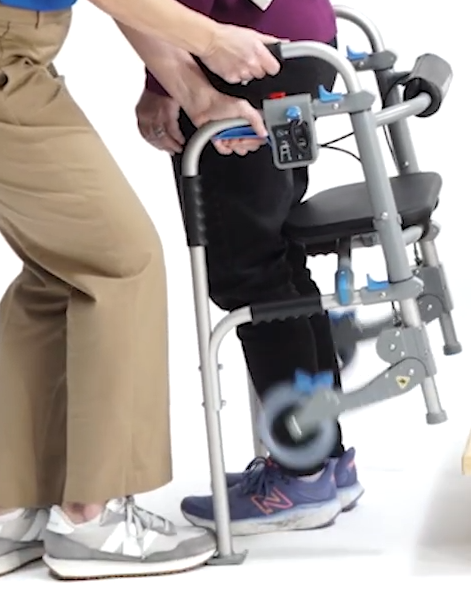
Once the lever has completed its travel, release the red button first, then let go of the lever. The walker now is in StairMode and is to be placed on the stairs.
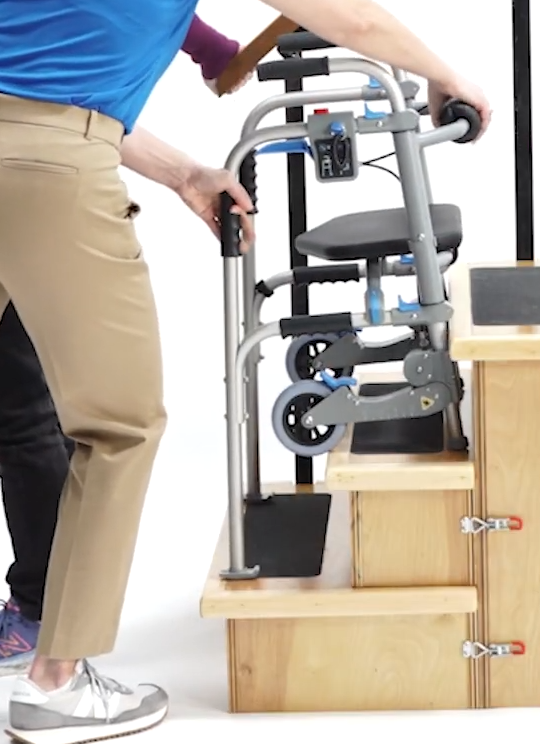
For further Instructions, please download the user manual here.