
The StairAssist Walker is equipped with a ruler on the side of the device to make stair adjustments easy for anyone!
1. Simply Place the StairAssist Walker close to the stairs
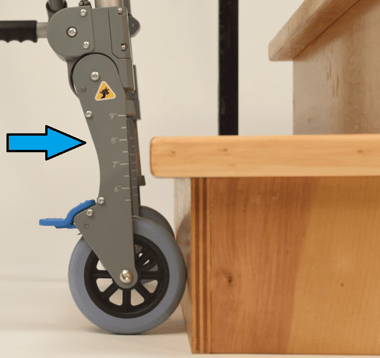
2. Note the level of the stairs as shown:
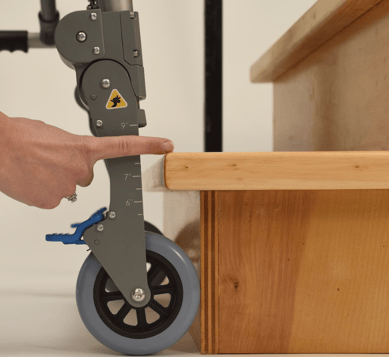
3. Use the blue touchpoint above the knee joint to release the adjustment leg
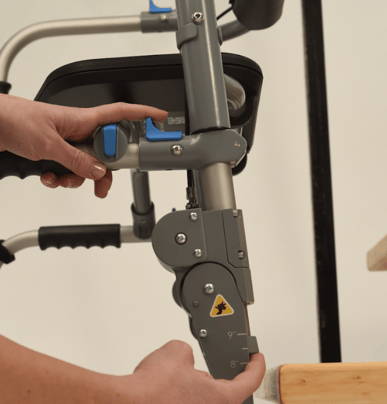
4. Set the proper leg height for the stairs.
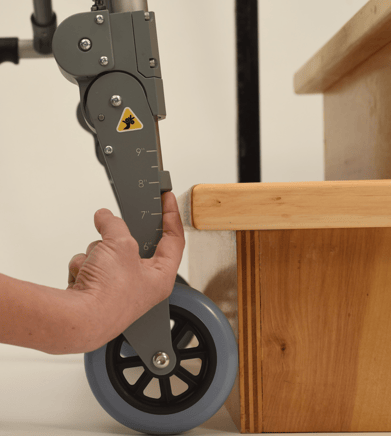
Repeat the same steps of other side of device so both sides are equal.
For further Instructions, please download the user manual here.